
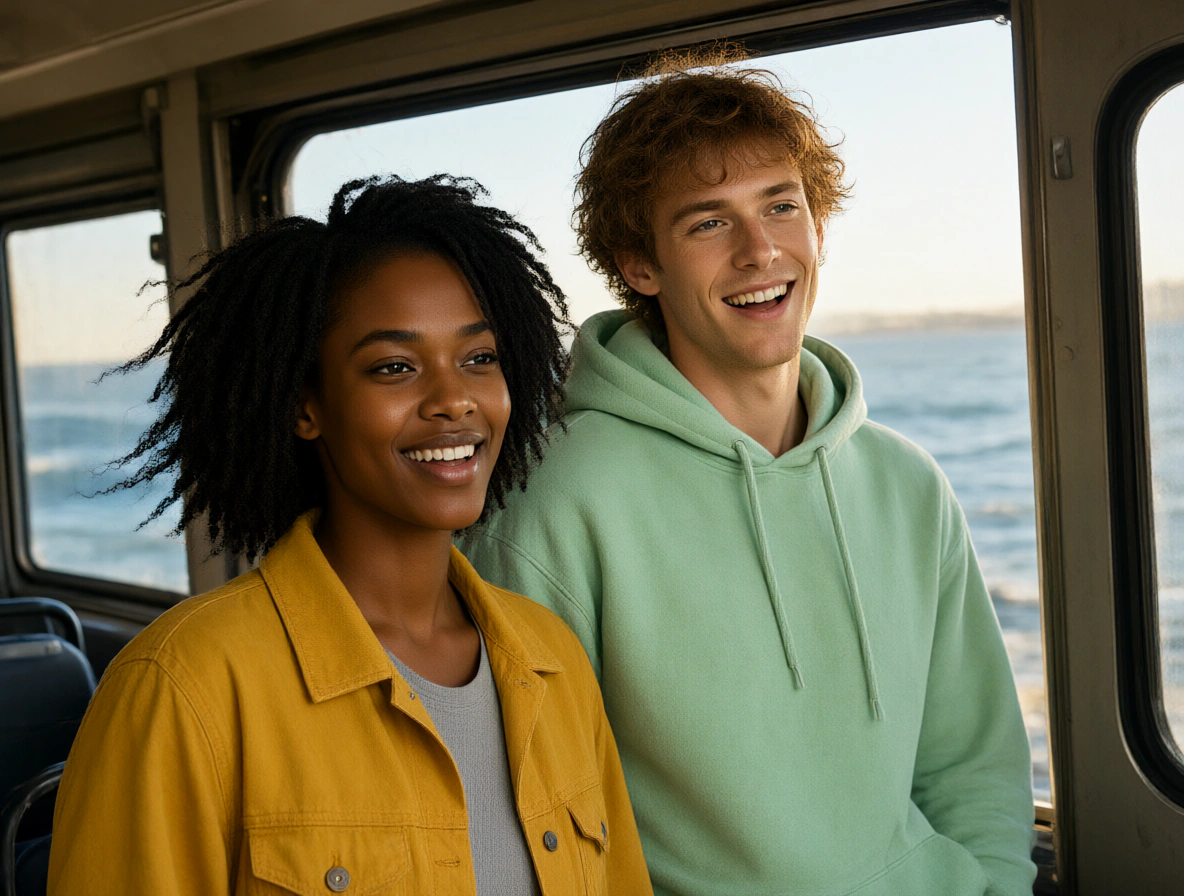
Choose references with clearly visible faces
Pick a well-lit photo of each person with their face unobstructed. Keep glasses or a hairstyle visible if they matter to the likeness. A single person in each photo makes it easier to tell which features belong to whom.
Use portraits you both agree to share. Cropping another person out first can help when your favourite photo is from a group trip. Keep enough headroom to preserve the outline of the hair.
Describe one place, one action, and one point of view
If you only write that the couple is in Paris, the image has little direction about what their bodies or eyes should do. Give them an activity that brings both people into the same moment. Ask for an angle that makes sense for that activity.
A realistic travel photo on a ferry deck at sunrise. One person holds a folded route map while the other points toward the shore. Both glance at the island. A candid waist-up view from the side, coats moving in the wind.
A watercolor portrait of two people sheltering under a yellow umbrella on a quiet street. One tilts the umbrella over the other as they step around a puddle. A warm cafe window reflects in the wet pavement.
Choose a style that fits how you will use the picture
Choose Photo for a travel snapshot or a casual portrait. The original photos are used as references in this mode. Pick watercolor or another illustrated style when you want an image that feels like a card or a page from a storybook.
For an avatar, ask for both people close together near the centre so you can crop the result without cutting someone out. For a gift or wallpaper, ask for a wider view so the setting has room to explain the scene.
Generate and check the result
Upload the two portraits, pick your style, and enter the scene description. When the image appears under Results, check whether both people are recognisable and whether the scene has the interaction you described. If the image feels staged, change the action or viewpoint before generating another version.
Will I get separate matching avatars?
The generator produces one shared image. If you want two coordinated profile pictures, download the JPG and crop each person yourself.