
Couple Portrait Generator
Put two people in one image, from a travel photo to a watercolor portrait.
Results
Your finished images will appear here.
Examples
Generated with fictional portraits.
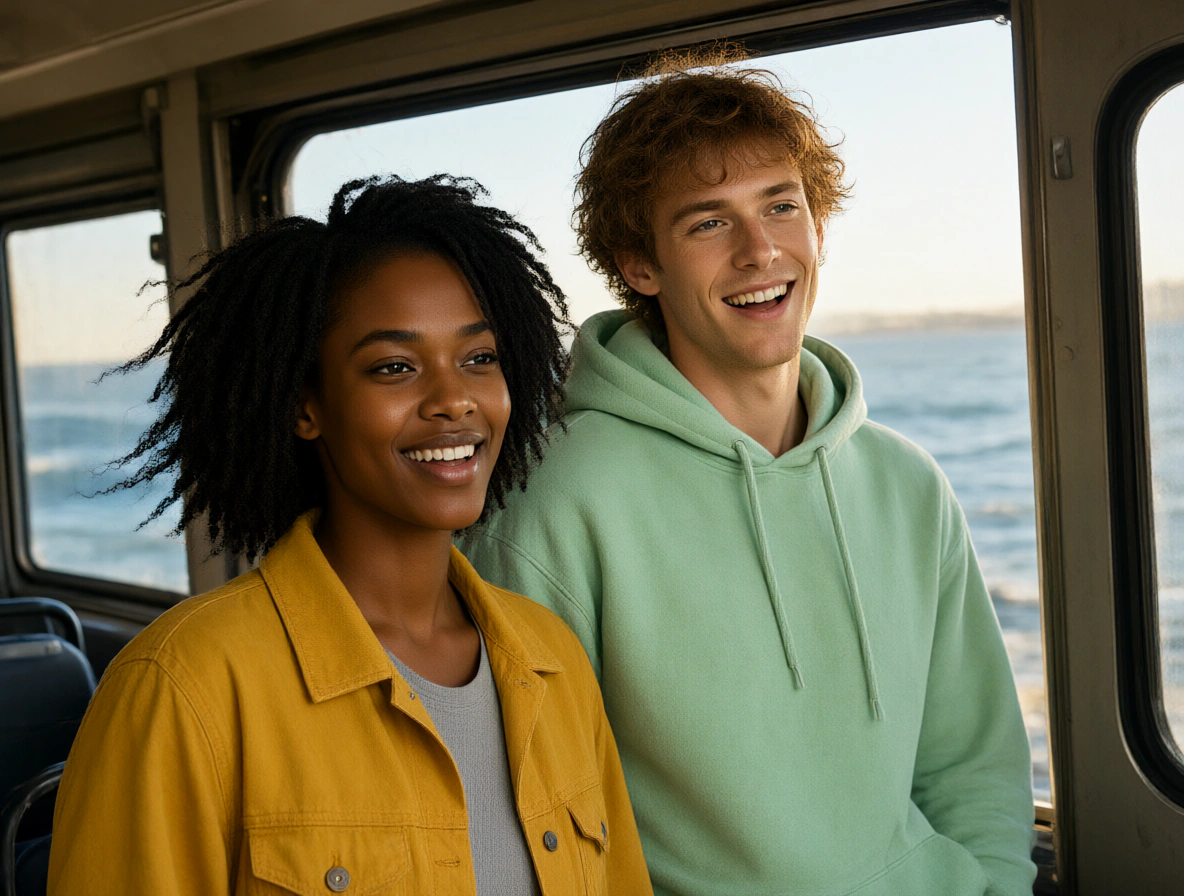
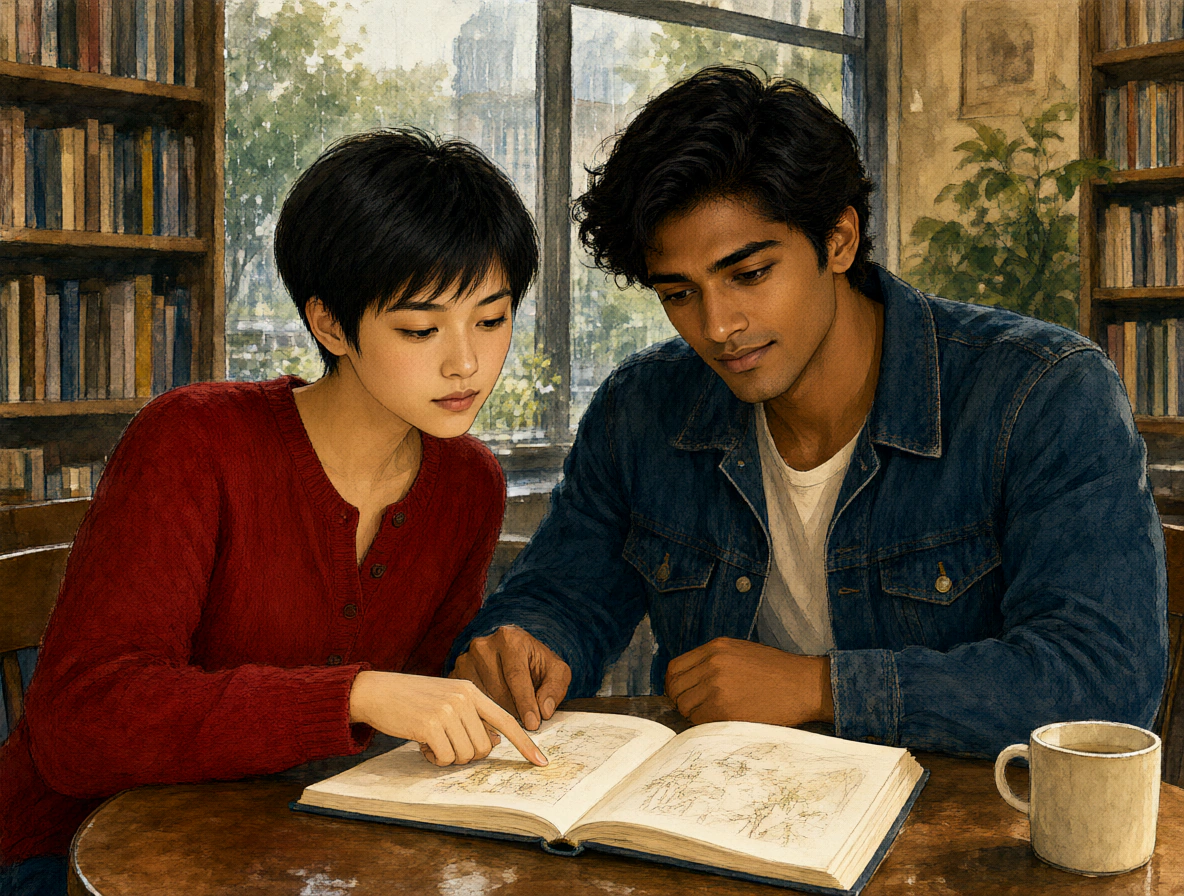
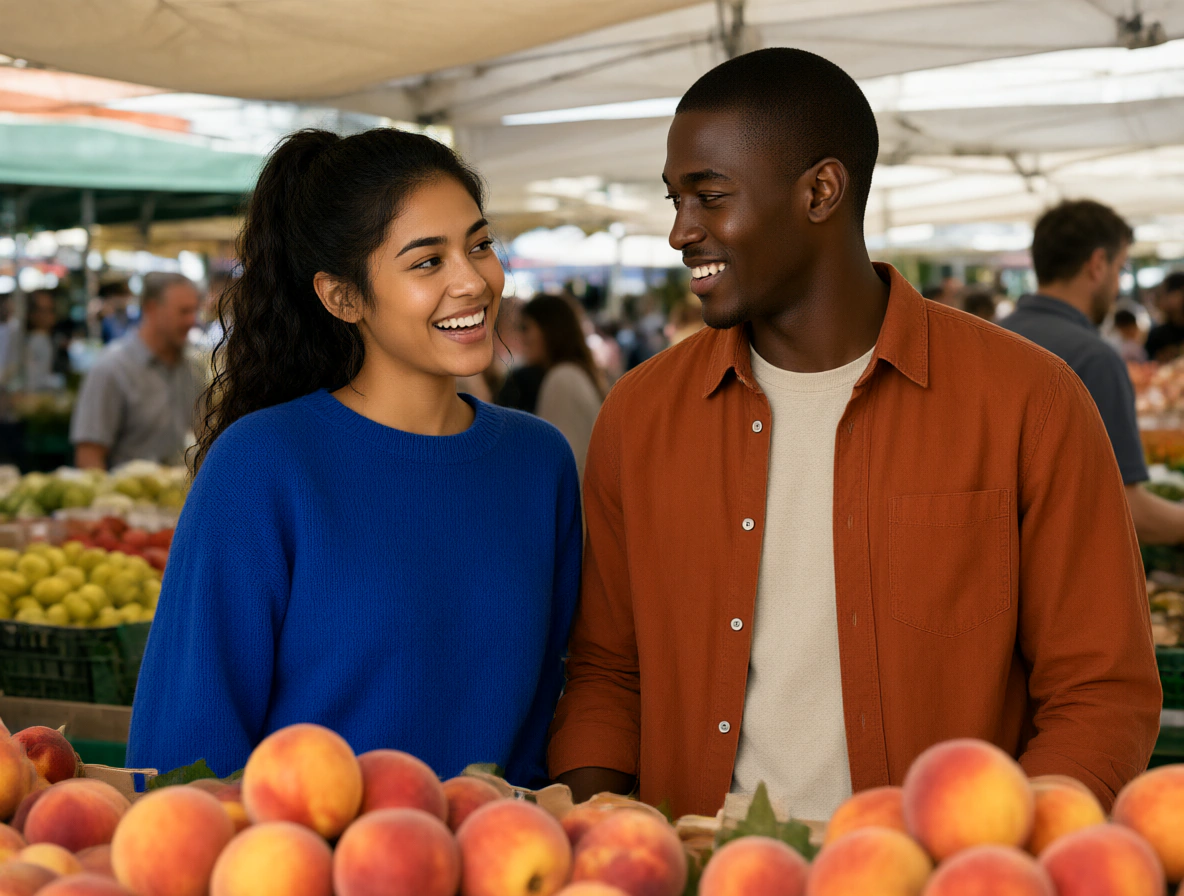
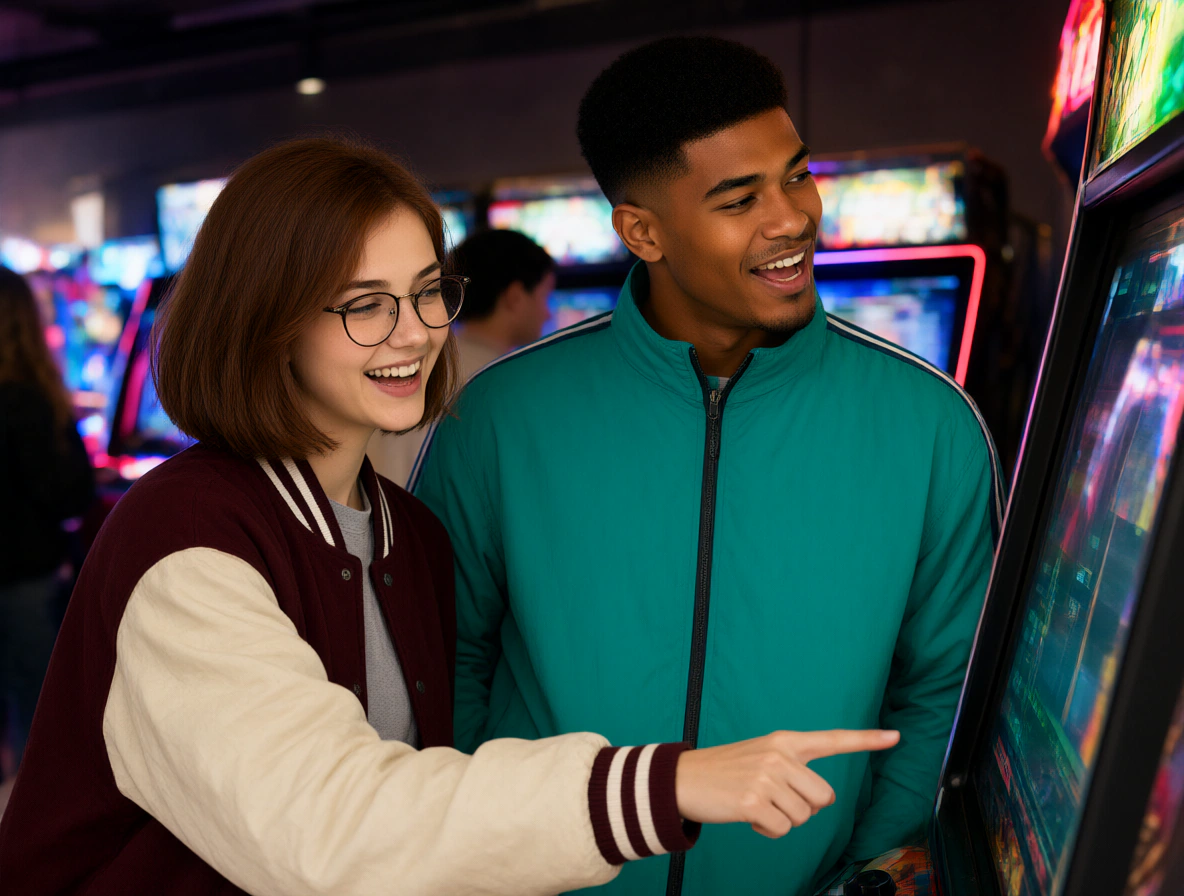
Make a couple photo from two separate pictures
Combine portraits taken in different places for a travel scene, an illustrated gift, or a profile picture. Set the scene with a place, an action, and a detail about the light or mood.
Photo mode uses both original photos. Illustrated portraits also redraw both references. The price shown before you generate includes AI prompt optimization.
How to create a couple portrait with AI
- Choose one well-lit JPG, PNG, or WebP portrait per person, up to 8 MB each. Pick photos that show the face clearly.
- Select a style and describe how the two people interact in the scene. A side view, a shared activity, or a meaningful prop helps define the composition.
- Sign in to generate the portrait. Open Results to download the JPG or explore your recent images.
Make a candid photo of us sharing headphones on the evening train. Frame us from across the aisle, with warm light coming through the window and both of us looking outside.
Frequently Asked Questions
What photos work best?
Upload one clear, well-lit portrait of each person in JPG, PNG, or WebP format. Use photos you have permission to share.
Can I make a realistic couple photo?
Choose Photo and describe the scene you want, such as a train platform by the sea. The generator uses both original portraits to create the scene.
Can I turn two separate selfies into a travel scene?
Yes. Upload one portrait of each person and describe the location and activity. For example, ask for two people sharing coffee on a ferry deck at sunrise.
Can I download the finished portrait?
Yes. Your image appears under Results when it is ready. Download the JPG or delete it from your recent results.